

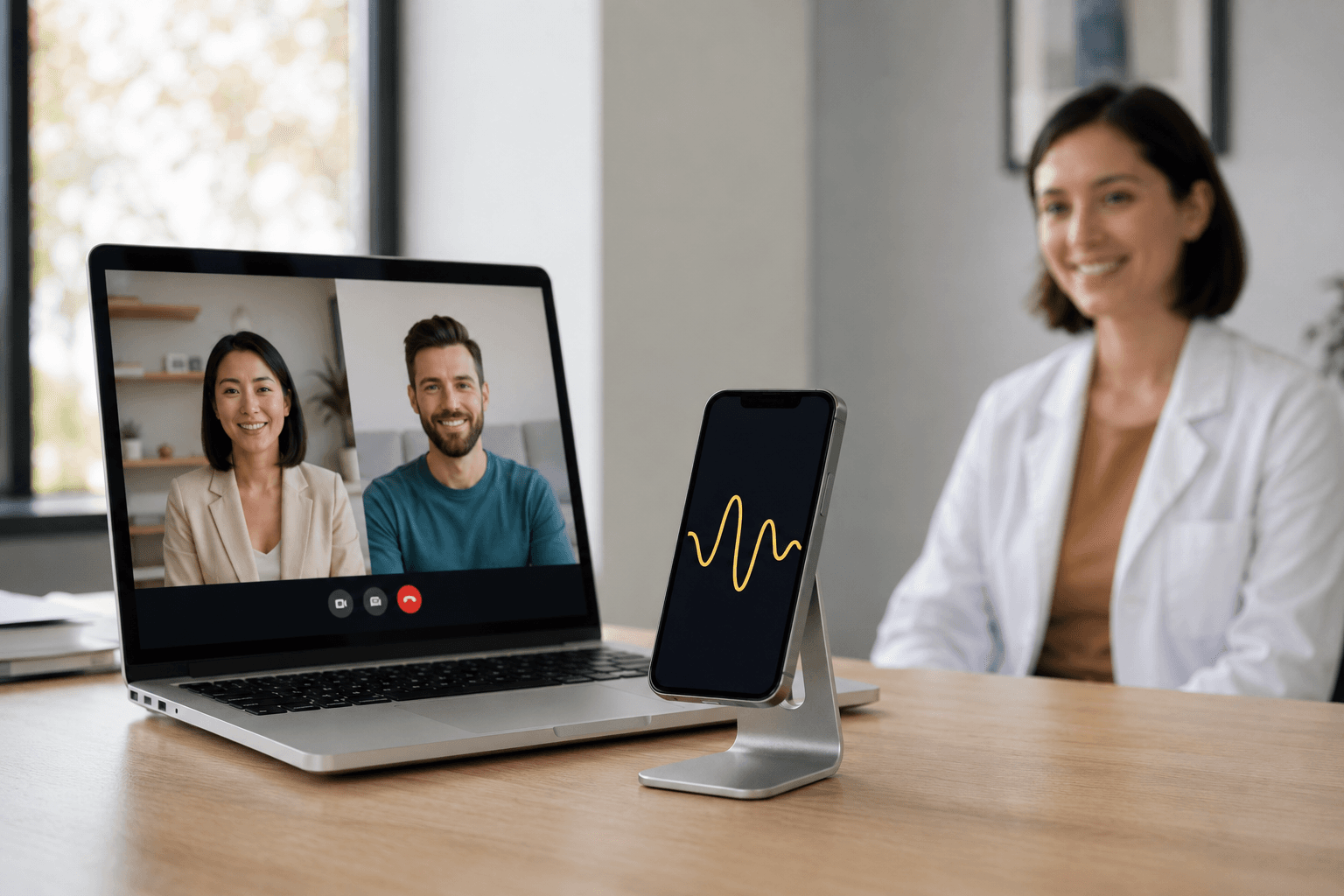
No tabs, no windows.
Use your phone—works in-person & telehealth.




Privacy and Security
Read how Simcha handles live listening, summaries of ideas, notes and cloud services in Privacy & Security.
Live Listening and Notes
Simcha listens for the main ideas and makes a rough summary, like a word cloud. It does not write down every word or identify who is speaking. The app does not record audio. Audio recording is not supported by design, so there is no recording to save or play back.
How it works
Start on device
Use live listening on mobile to make a rough summary of the main ideas. The app does not record audio or identify who is speaking. There is no recording to save or play back. Read Privacy & Security for how summaries and notes are handled.
Pick your layout
Choose SOAP, DAP, BIRP, or custom sections to generate notes that match your workflow.
Export instantly
Send notes to your EHR or securely share with supervision in a few taps.
Plans for every practice
Choose what fits today. Scale up or down without losing your notes.
Begin
Bring Simcha to your practice.
Download Simcha AI to create session notes wherever you work.